Our Project Highlights
- Modern UI/UX We design UI/UX-first Moodle systems that feel simple, modern, and mobile-optimized for real learners and admins
- Scalable Build We build scalable LMS architecture that remains stable even as user load and course complexity increase
- Custom Plugins We develop custom Moodle solutions and plugins tailored to real organizational workflows, not generic setups
- Role Structure We structure role-based learning environments that simplify administration and improve user experience
- Expert Growth We provide a dedicated technical team that continuously manages, improves, and scales LMS environments over time
- Proactive QA We implement proactive QA and system monitoring to maintain performance, prevent issues early, and ensure platform reliability
The site has been setup using template site. Following tasks performed:
1) Site setup over HTTPS
2) Email Settings Applied
3) Password Policy implemented for only minimum 6 characters
4) Cron has been configured.
5) Allowed Email domains configured.
6) Email based Self registration enabled
7) Re-captcha configured
8) Custom Profile fields defined
9) Front page updated
10) Help block added
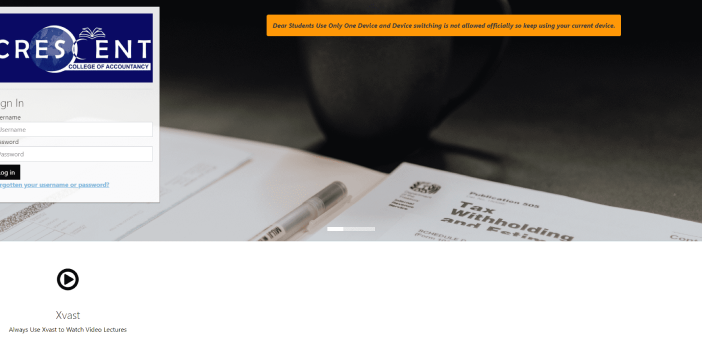
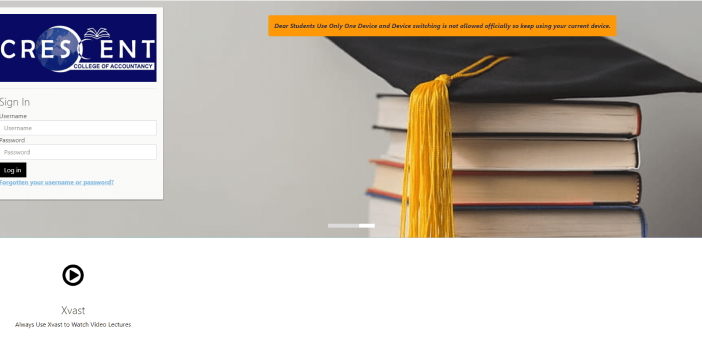
Customized Login Page:
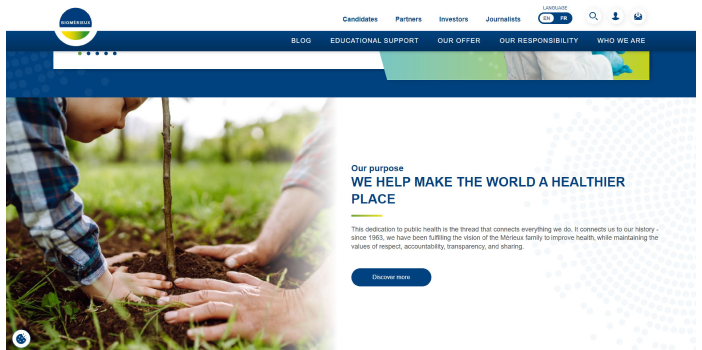
- Developed a tailored login page with strict security measures.
- Implemented restrictions to prevent unauthorized access through the sharing of login details.
- Ensured the integrity and confidentiality of user credentials and data.
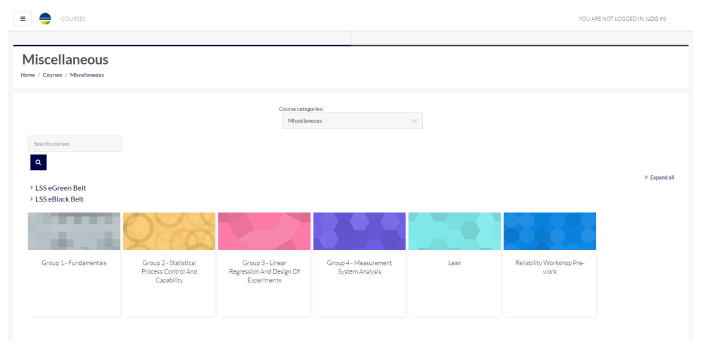
Course Offerings:
- Structured courses to encompass a variety of educational resources.
- Included video lectures to deliver dynamic content.
- Integrated PDF files to notes for easy learning experiences.
- Implemented a comprehensive testing system comprising assignments, online quizzes, and other evaluation tools.
- Courses are added on subscription base.
Mobile-Friendly Design:
- Designed and developed dedicated mobile applications for Android and Apple platforms.
- Ensured seamless access to course materials and assessment tools on mobile devices.
Data Management Strategy:
- Implemented a data management strategy to maintain data integrity and optimize resource utilization.
- Scheduled periodic deletion of user data from the database, typically after six months.
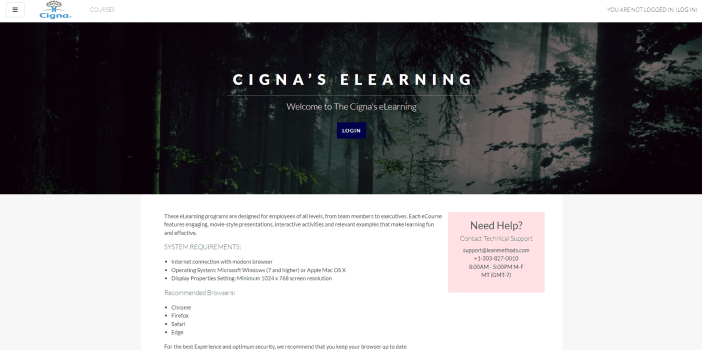
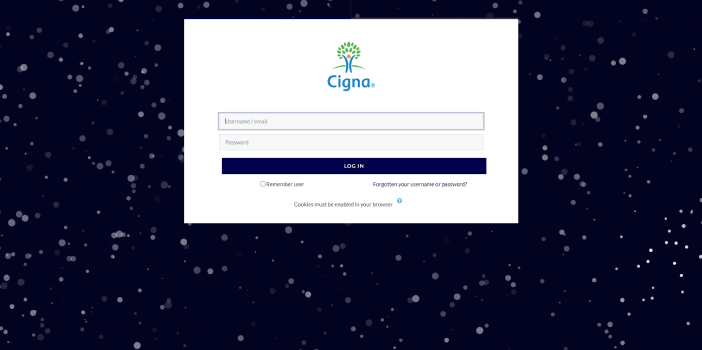
This website has been designed thoughtfully.
Login Page:
- When a user clicks on login page a new page appears to fill the form.
- After adding username and password, when a user clicks on the "login" button, the user is automatically directed to "change password" page.
- User will enter new password in current password field, then user will save changes.
- Once the user is logged in into the online training, courses are ready to begin.
Courses:
- We upgraded the courses and arranged their order.
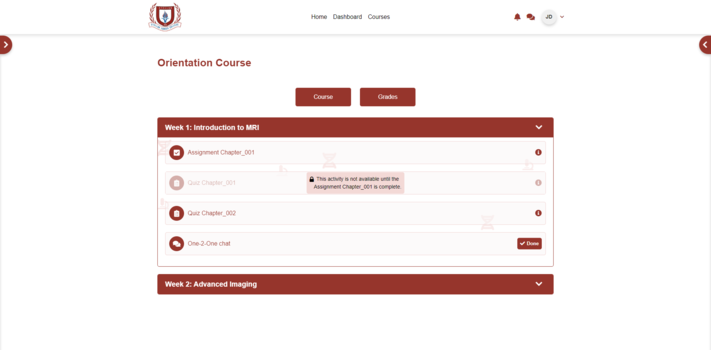
- Learning activities are laced with activity completion criteria along with access restriction criteria.
- Learner can only access the next activity after meeting all the requirements of the previous one.
Report:
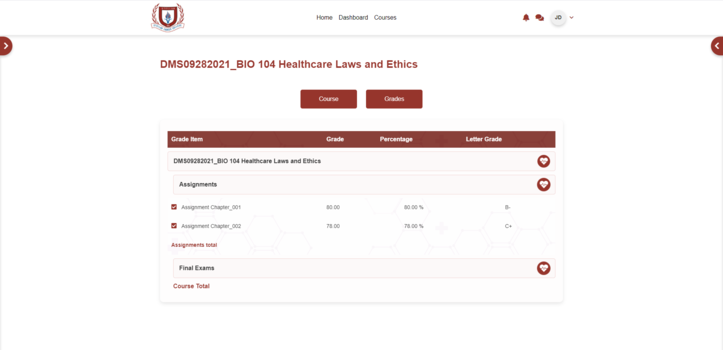
- Multi Grader Report s enabled for reporting purposes.
- This plugin will allow administrators to track Learners' progress and performance.
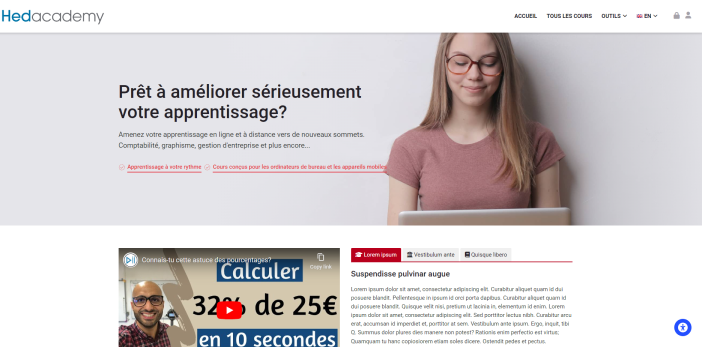
This website is dedicated to providing a comprehensive range of Mathematics courses, all presented in French language.
Subscription and One-Time Payment Options:
- Courses on this website are accessible through two distinct models: monthly subscriptions and one-time payments.
- Students have the flexibility to choose the payment method that best aligns with their preferences and learning objectives.
Categorized Course Display:
- Courses are intelligently categorized and displayed for easy navigation.
- This organized presentation ensures that students can quickly identify and explore courses relevant to their academic needs.
Course Filtration:
- Course filtration system has been integrated to enhance the user experience.
- Students can employ a dual filtering system, based on payment type, to view both paid and free courses.
Enrollment in paid courses:
- Upon identifying a paid course of interest, students can seamlessly enroll after completing the payment process.
Providing ongoing Moodle LMS administration, managing course organization, user access, platform upgrades, security, backups, and day-to-day technical support to keep the platform secure, well-maintained, and running smoothly on a continuous basis.
Key highlights:
- Course Organization:
Structured and organized the course catalog for clean, intuitive navigation making it straightforward for learners to find and progress through their content.
- User Management:
Managed user roles, permissions, and accounts across the platform, keeping access controlled and well-organized for all learner and administrator levels.
- Platform Fine-Tuning:
Continuously monitored platform health and optimized system performance, keeping the LMS responsive, stable, and consistently improving over time.
- Upgrades & Security Management:
Handled platform upgrades and enforced security configurations to keep the LMS current, protected, and aligned with the latest standards.
- Backup Management:
Maintained a reliable backup schedule ensuring all platform data and content is consistently protected and recoverable with minimal disruption.
- Reporting & Analytics:
Generated detailed reports covering system performance, course progress, and user engagement to give clear, actionable visibility into platform activity.
- Administrative Support:
Handled day-to-day technical administration, addressing issues and queries promptly to ensure the platform runs without interruption.
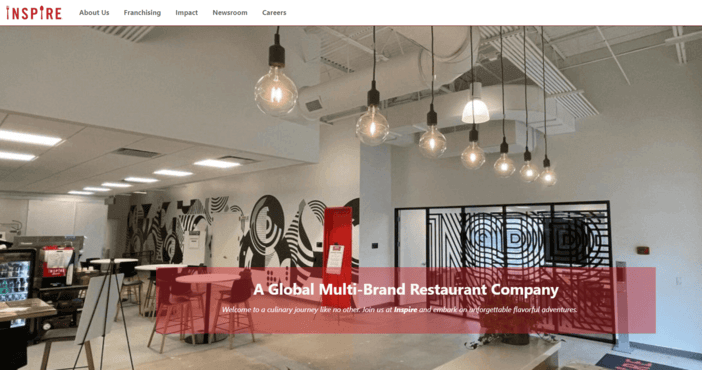
Deployed and actively manage a fully hosted Moodle LMS for Inspire Brand, handling everything from initial setup and performance optimization to customization, course structure, and ongoing technical support, ensuring their learning platform stays reliable, secure, and built around their specific needs.
Key highlights:
- Platform Setup & Configuration:
Deployed Moodle fully configured to Inspire Brand's organizational requirements, establishing a clean and engaging learning environment ready for learners from day one.
- Performance Optimization:
Conducted thorough post-deployment testing and system tuning, identifying and resolving performance bottlenecks to deliver a consistently fast and smooth experience for both learners and administrators.
- Course Structure & Navigation:
Strategically organized Inspire Brand's course catalog to maximize learner engagement and make navigation effortless for both students and instructors.
- Custom UI/UX & Plugin Development:
Enhanced the platform's interface to align with Inspire Brand's identity and developed custom plugins to address workflows that out-of-the-box Moodle couldn't cover.
- Ongoing Updates & Security Patching:
Managed continuous platform maintenance including software upgrades, security patches, and feature updates keeping the LMS current, secure, and aligned with latest standards.
- Reporting & Analytics:
Configured comprehensive reporting covering LMS performance, user engagement, and system health, giving Inspire Brand clear and actionable visibility into their platform.
- Secure Backup Management:
Implemented a consistent automated backup strategy ensuring Inspire Brand's content and user data is protected and rapidly restorable in any failure scenario.
- Dedicated Hosting & Support:
Serving as Inspire Brand's dedicated technical partner, proactively managing the platform, resolving issues promptly, and maintaining uptime so their team stays focused on delivering learning programs.
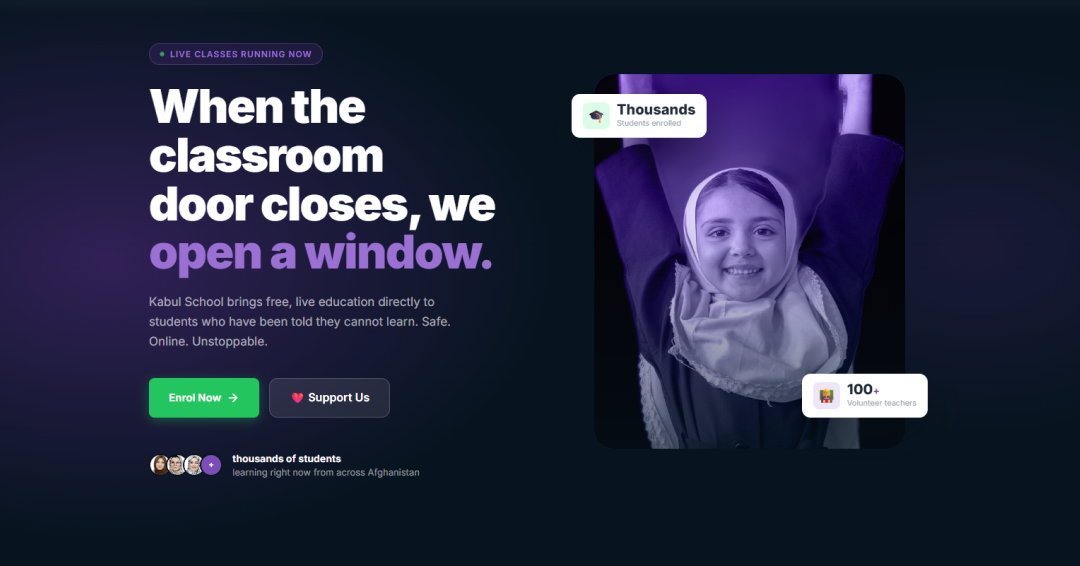
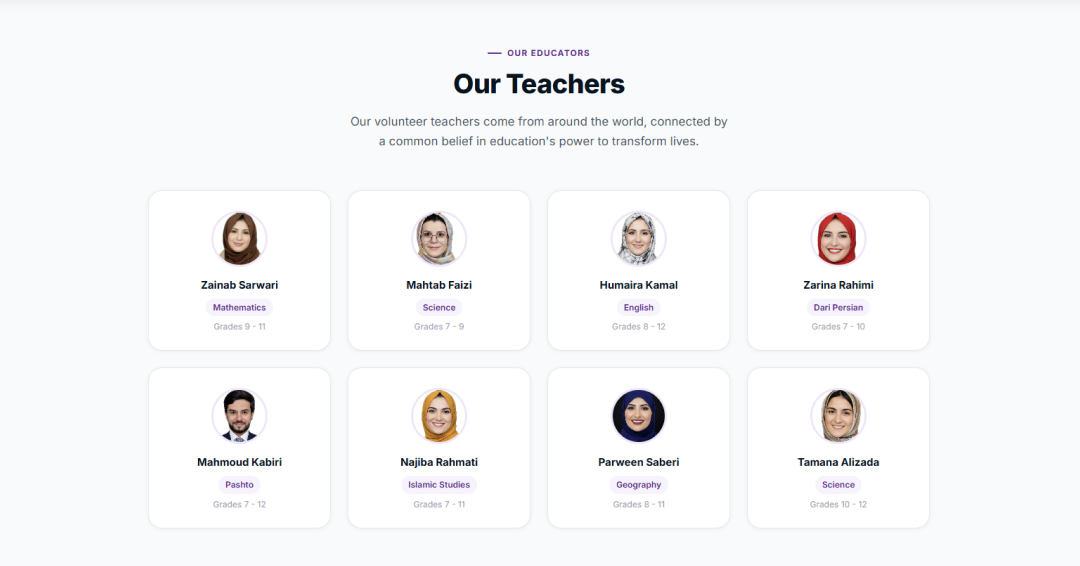
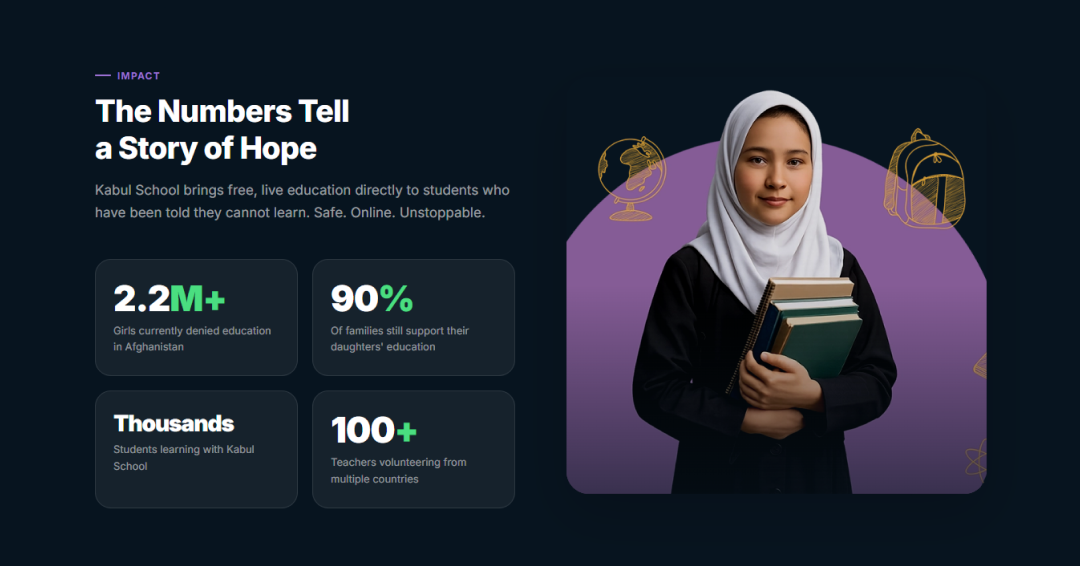
Designed, developed, and deployed a fully integrated Learning Management System for Kabul School, covering everything from platform architecture and academic module engineering to role-based access, live class infrastructure, and real-time progress tracking. The project was delivered as a complete end-to-end solution, with PakTaleem continuing to provide managed hosting and ongoing operational support post-launch.
Key highlights:
- Custom LMS Architecture: Designed and built a scalable learning management system tailored end-to-end to complete school operations, from admissions through course delivery.
- Core Academic Module Engineering: Architected and implemented admissions workflows, course management pipelines, and structured class delivery systems as cohesive, production-grade modules.
- Live & Recorded Lecture Infrastructure: Architected stable streaming and on-demand lecture delivery, ensuring uninterrupted learning experiences across varying network conditions.
- Role-Based Dashboard Design: Engineered distinct, clarity-optimized portals for students, teachers, and parents, each with purposeful data visibility and interaction flows.
- Real-Time Academic Progress Tracking: Built a live monitoring system that strengthens parent engagement and institutional transparency through actionable academic insights.
- Platform Security & Access Control: Implemented controlled access management and data protection practices across all user roles, maintaining a secure multi-tenant environment.
- QA & Cross-Device Reliability: Ensured platform stability through rigorous performance, usability, and cross-device compatibility testing across the full user journey.
- Managed Hosting & Infrastructure: Delivering continuous uptime, operational stability, and infrastructure administration through PakTaleem's ongoing managed services.
Outcome:
Kabul School operates today as a stable, secure, and fully managed digital learning ecosystem, backed by continuous hosting and administration services that ensure long-term reliability and smooth institutional growth.
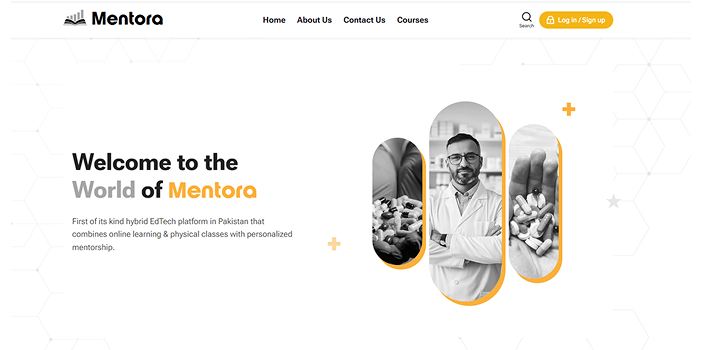
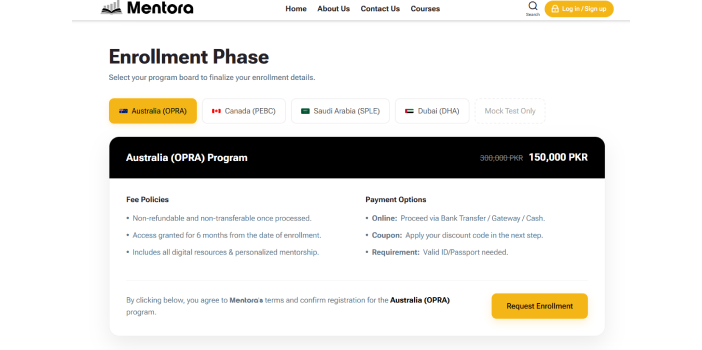
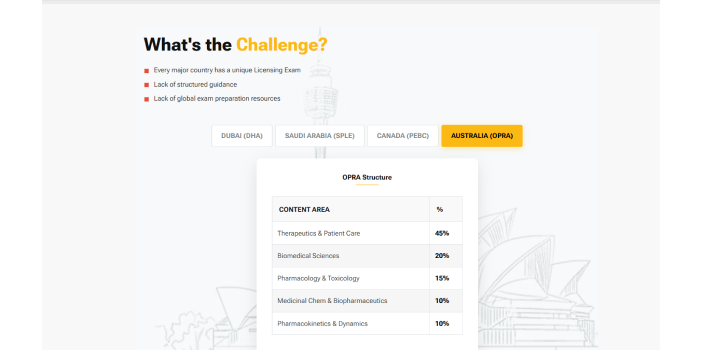
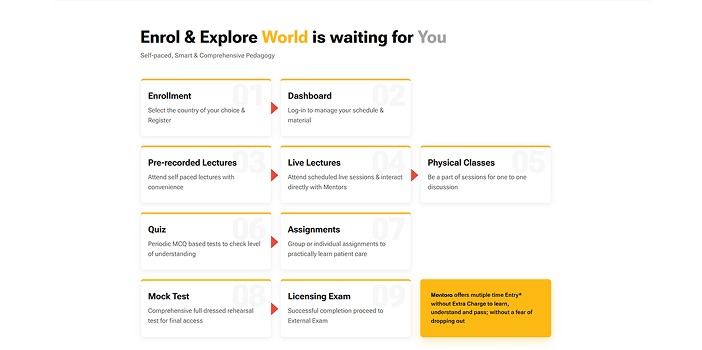
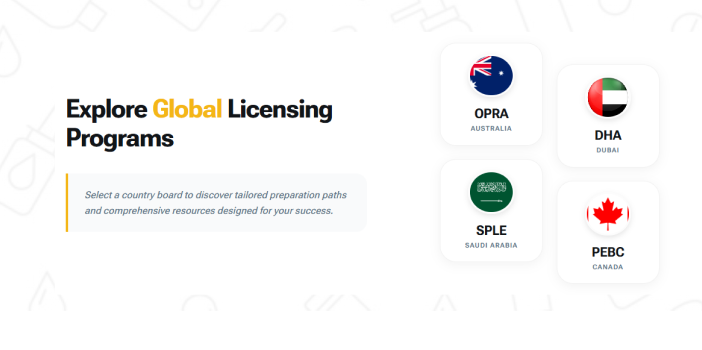
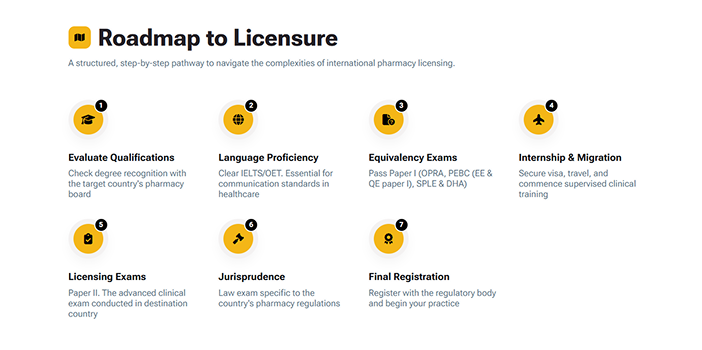
We designed and developed a fully customized, secure, and scalable LMS tailored specifically for pharmacist training and professional development, ensuring a seamless and controlled learning environment.
Key Deliverables:
- End-to-End LMS Setup & Customization tailored to regulatory and professional training requirements
- Secure Learning Environment with role-based access, data encryption, IP restriction, and MFA
- Performance Management System (PMS) for tracking scores, rankings, attendance, and progress
- Quality Management System (QMS) to maintain compliance, policies, and structured workflows
- Automated Enrollment Workflow with application, payment verification, and controlled course access
- Integrated Live Class System (BBB) with recording, attendance tracking, and session management
- Encrypted Video Delivery (VDOCipher) ensuring secure, non-downloadable content access
- Structured Phase-Based Learning Model (Theory + Practical) with progression and retake logic
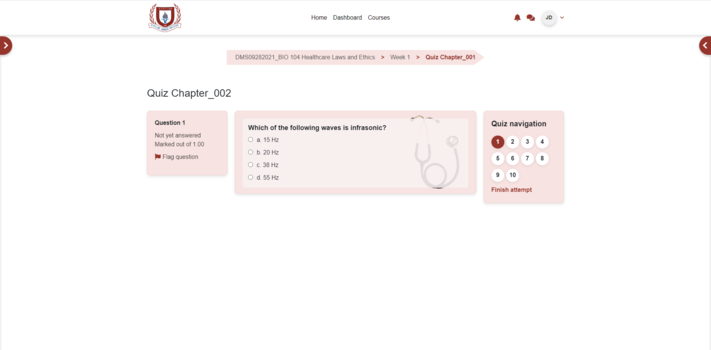
- Advanced Assessment System including quizzes, mock tests, assignments, and automated grading
- Centralized Resource Bank with searchable academic materials and access tracking
- Parent/Admin/Teacher Interaction System with messaging and performance reporting
- Scalable & Managed Infrastructure ensuring smooth performance and long-term reliability

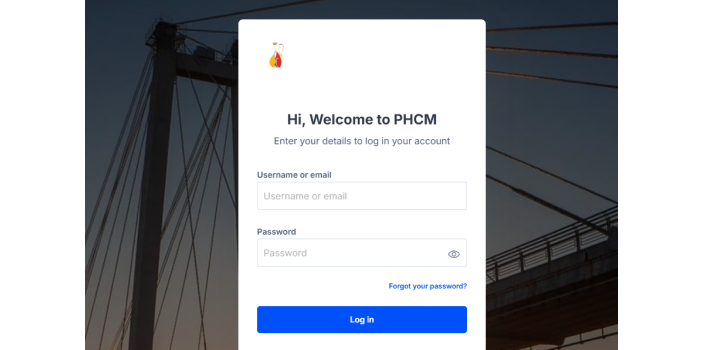
Designed and deployed a Moodle-based discipleship learning platform for a ministry ecosystem, covering UX prototyping, system configuration, course architecture, live session integration, and production deployment with full onboarding support.
Key Highlights:
LMS Prototype & Validation:
Designed a clickable prototype spanning admin, discipler, disciple, and public ministry interfaces for stakeholder alignment before development.
Moodle Setup & Configuration:
Installed and optimized Moodle across security, authentication, performance, and localization for a ministry-specific environment.
Custom UI Implementation:
Delivered a responsive, mobile-friendly interface using Edwiser RemUI tailored to the ministry's branding and user experience needs.
Platform Architecture & Access Control:
Structured user roles, cohorts, batch enrollment, and automated access control for scalable discipleship management.
Course Framework Development:
Built complete course structures with modules, assignments, reflections, quizzes, and completion workflows aligned to discipleship journeys.
Multimedia & Live Session Integration:
Enabled private video embedding with playback tracking and live sessions via BigBlueButton, Zoom, and Google Meet.
Engagement & Communication Tools:
Configured messaging, forums, notifications, badges, and milestones to drive learner interaction and accountability.
Reporting & Analytics:
Built a reporting system tracking engagement, attendance, progress, and learning performance across all user roles.
Deployment, Testing & Onboarding:
Conducted full QA across roles and devices, managed production deployment, and delivered hands-on training for administrators and disciplers.
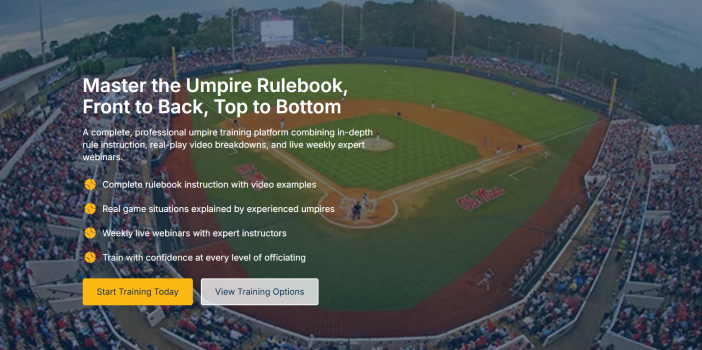
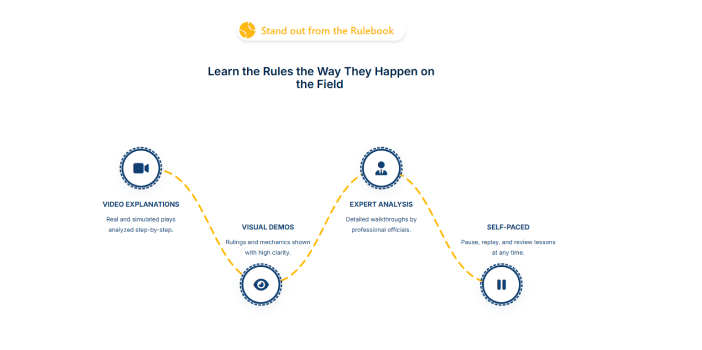
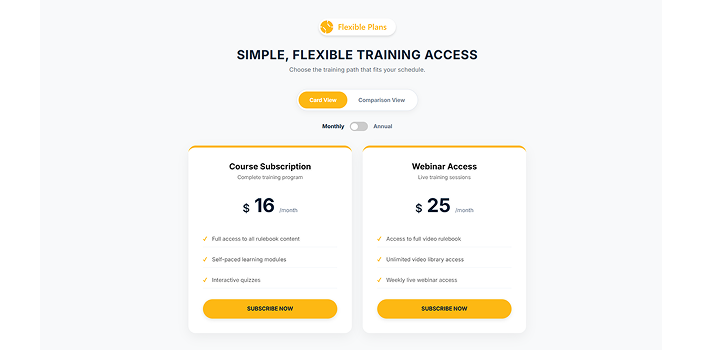
We developed a comprehensive LMS enabling users to purchase courses or bundled packages with automatic enrollment. The system supports live expert sessions and allows administrators to manage courses, packages, pricing, and schedules.
Key Highlights:
- Home Page & Dashboard: Intuitive layout for easy navigation and quick access to courses and sessions
- Onboarding Workflow: Supports two subscription types, course access and live training
- Unified Dashboard: Learners access all purchased content with progress tracking, latest activities, and a dedicated webinars/live sessions section
This solution provides a centralized, user-friendly platform that simplifies learning and gives administrators full control over course management and engagement.
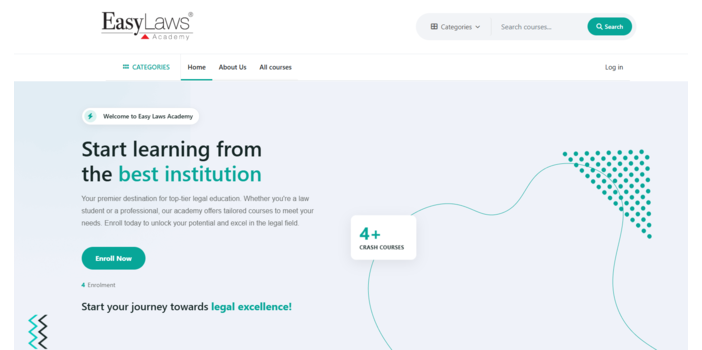
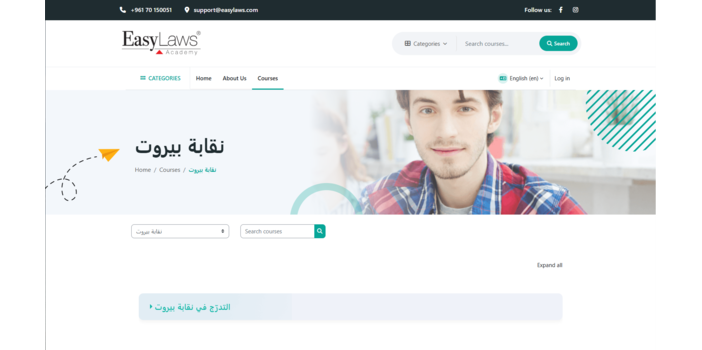
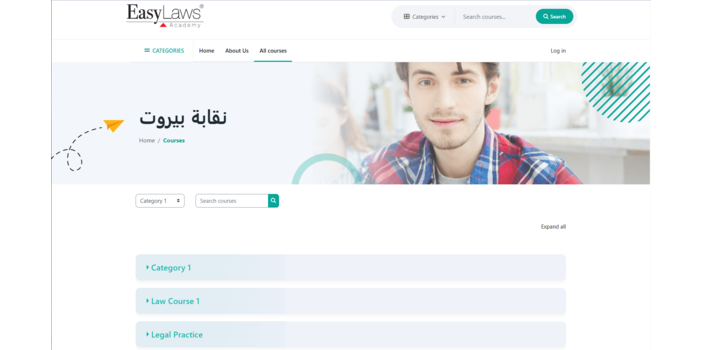

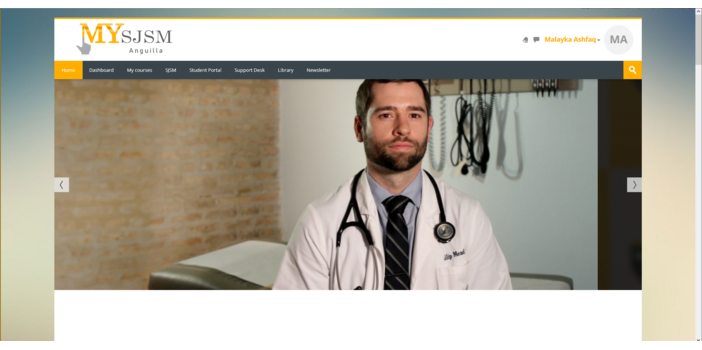
The client had a WordPress site and wanted to transition to Moodle while maintaining the same look and feel. We developed a custom Moodle theme that closely replicated the WordPress design, ensuring consistency in branding and user experience across both platforms.
- Theme Development:
Created a fully customized Moodle theme that mirrored the structure, layout, and visual elements of the client’s WordPress site. - Responsive & Consistent Design:
Ensured the theme was responsive across all devices and matched the original design in terms of fonts, colors, banners, menus, and footers. - UI/UX Customization:
Streamlined navigation and intuitive UI/UX for learners, aligned with the original site’s structure.
Comprehensive Migration Suite:
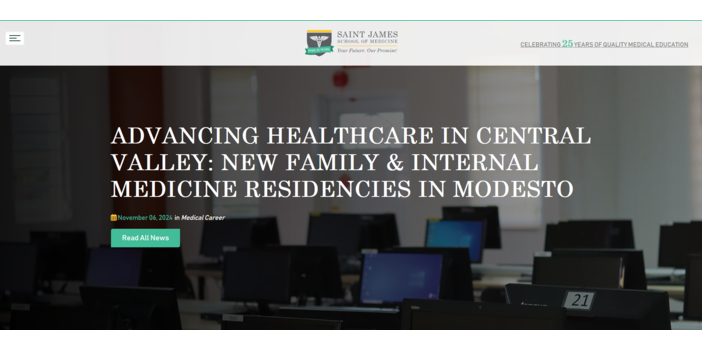
We managed a full migration, moving users, courses, and server data smoothly to ensure everything was kept intact with minimal downtime. Users experienced a seamless transition with no disruptions.
Advanced Server Upgrade:
Our team upgraded the server to boost speed, performance, and scalability, preparing the platform for heavy traffic and future growth.
Moodle Migration and Customization:
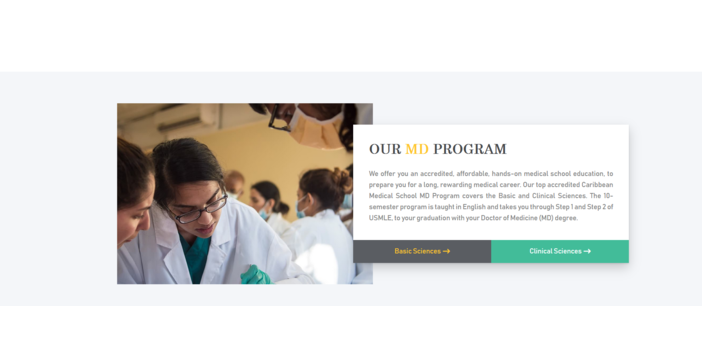
We customized Moodle specifically for the medical school, creating a user-friendly, intuitive platform that meets the needs of both students and faculty.
OAuth Single Sign-On Integration:
We added secure and easy login with OAuth SSO, improving access and security for all users.
Custom Plugin Development:
Our tailored plugins enhance learning, providing added features that empower both students and educators.
Progress IQ Integration:
With Progress IQ, faculty can track student progress easily, enabling targeted support and boosting student success.
Organized Course & Question Bank Structuring:
We optimized course layouts and organized question banks, helping faculty manage resources and deliver content more effectively.
DNS Management:
We established secure DNS management, ensuring users have stable and reliable access to the platform.
RDS Management:
We optimized database performance with efficient RDS management, ensuring data integrity, backups, and smooth data retrieval.
How-To Manuals:
We created easy-to-follow guides for administrators and educators, covering topics like user management, course setup, and student progress tracking. These manuals help staff work independently and reduce reliance on technical support.
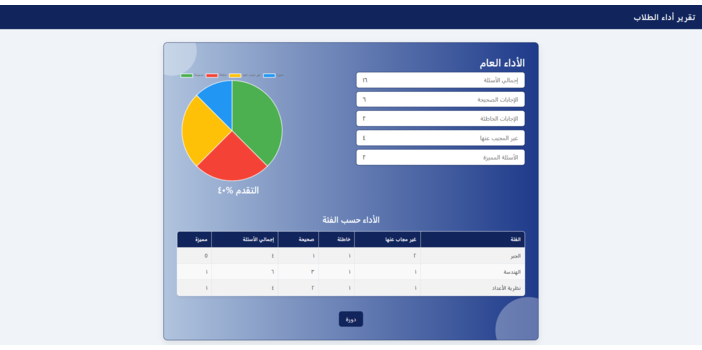
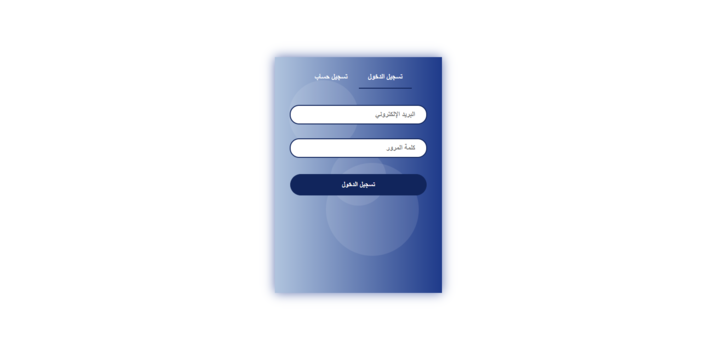
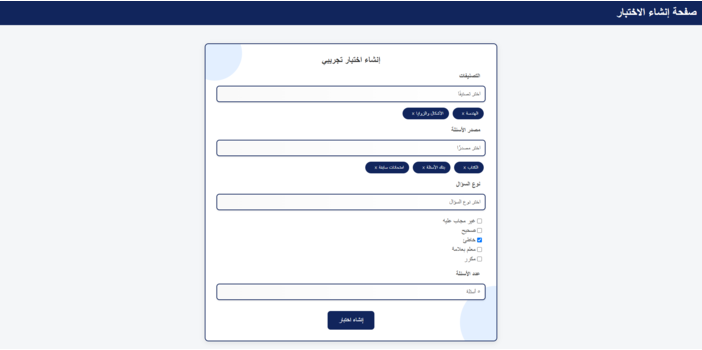
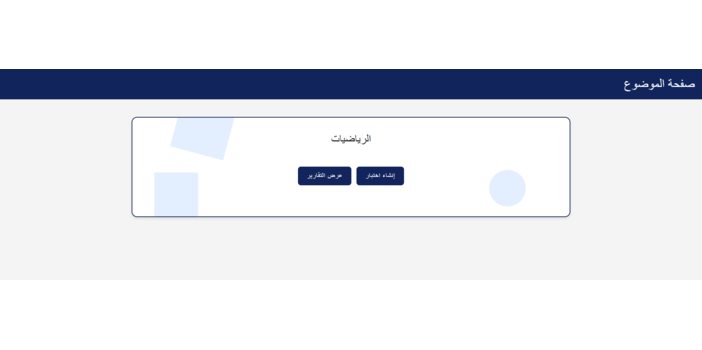
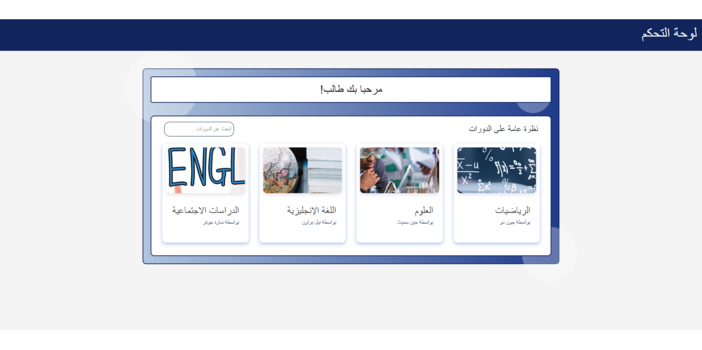
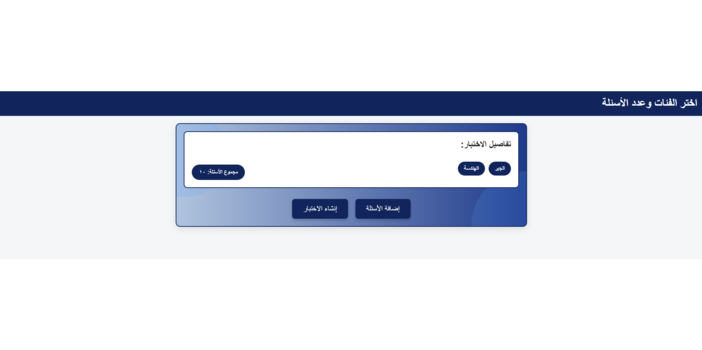
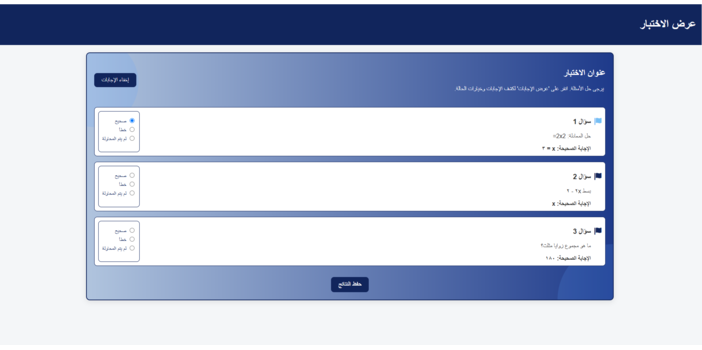
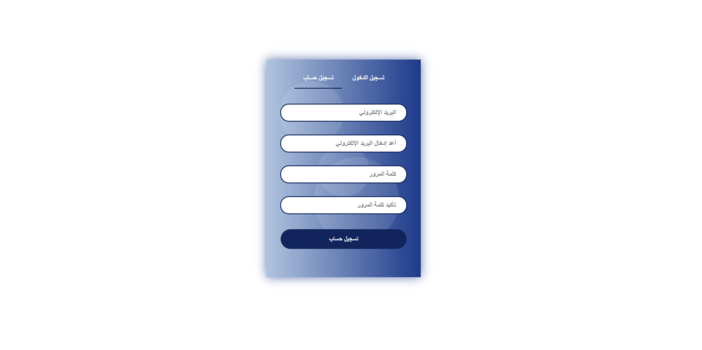
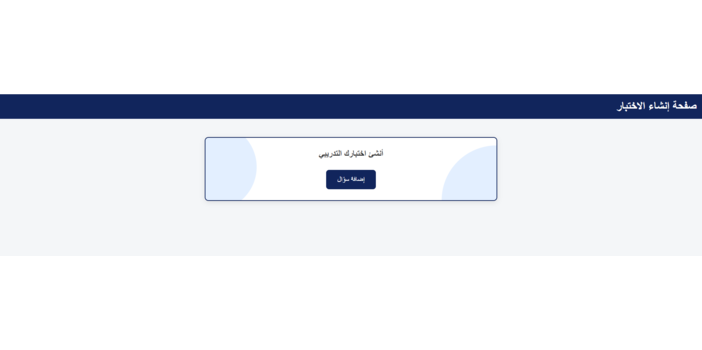
We designed a mockup for an Arabic Student Assessment platform, focusing on delivering a user-friendly and intuitive experience for both students and educators. The mockups include:
- Login/Signup Page:
A streamlined and secure user access interface.
- Dashboard Page:
Displays an organized overview of subjects for easy navigation.
- Subject Page:
Allows students to access practice tests and reports, while teachers/admin manage the question bank.
- Test Generation Page:
Lets students customize and create practice tests from various categories and topics.
- Question Selection Page:
Provides students with the ability to choose specific topics for their practice tests.
- Test View Page:
Displays the finalized generated test for students.
- Report Page:
Presents detailed progress reports for students, showing performance by topic.
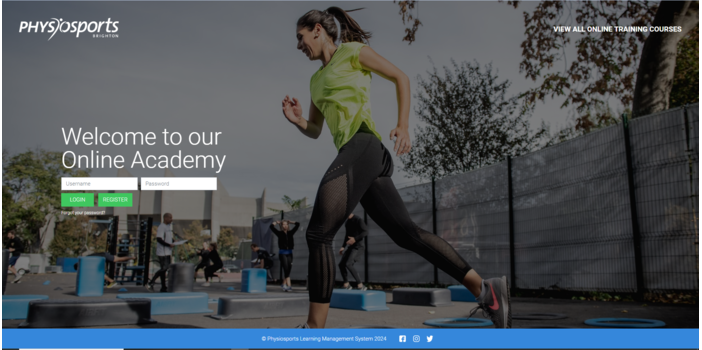
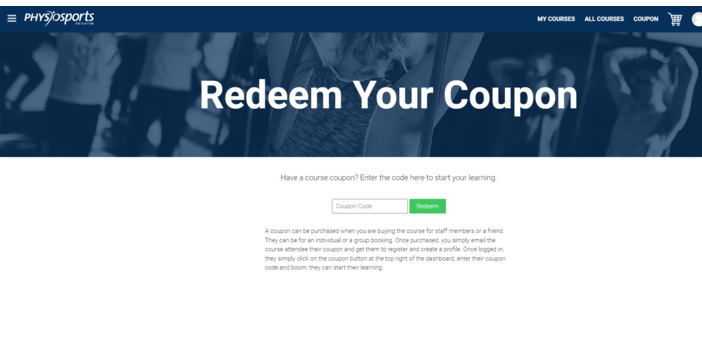
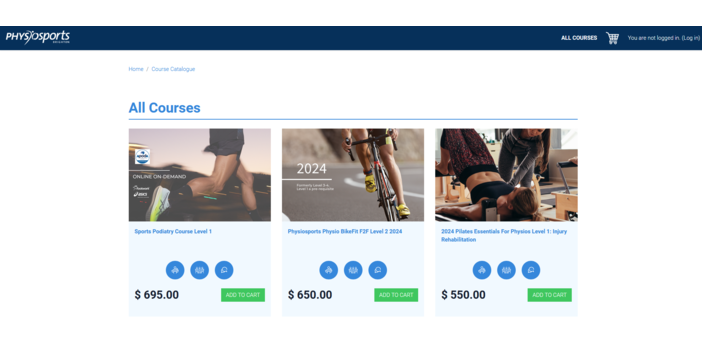
Delivered a fully managed Moodle hosting and administration solution for Physiosports, setting up, optimizing, and maintaining their learning platform to ensure consistent performance, security, and a seamless experience for both learners and administrators.
Key Highlights:
Platform Setup & Configuration:
Deployed and configured Moodle tailored to Physiosports' specific learning requirements, establishing a clean, intuitive environment aligned to their operational workflow.
Performance Optimization:
Conducted in-depth performance auditing post-deployment, resolving bottlenecks and tuning system speed to deliver a consistently fast and responsive experience across all user types.
Course Structure & Navigation Design:
Organized the course architecture in a logical, learner-friendly structure that keeps students engaged and administrators in full control of content delivery.
Custom Design & Feature Development:
Customized the platform's visual identity and built tailored features specific to Physiosports' needs, ensuring the LMS feels native to their brand.
Ongoing Updates & Security Patching:
Managed continuous platform maintenance including version updates, security patches, and feature rollouts to keep the system current and compliant.
Advanced Reporting & Monitoring:
Provided detailed reporting on LMS performance, user activity, and system health, giving Physiosports clear visibility into platform usage and learner engagement.
Secure Backup Management:
Implemented a reliable backup strategy with regular automated backups, ensuring data integrity and rapid recovery capability in any failure scenario.
Dedicated Technical Support:
Serving as the ongoing technical backbone for Physiosports' LMS, resolving issues proactively, minimizing downtime, and maintaining platform stability at all times.
Provided end-to-end Moodle LMS administration, managing everything from course organization, user access, and security configuration to performance monitoring, reporting, and day-to-day technical support, keeping the platform stable, secure, and fully operational on an ongoing basis.
Key Highlights:
- Course Organization:
Structured and organized the course catalog for clean, intuitive navigation making it easy for learners to find and progress through their content.
- User Management:
Managed user roles, permissions, and accounts, maintaining controlled, well-organized access across all learner and administrator levels.
- Security Configuration:
Hardened the platform with security protocols and configurations to protect user data and keep the LMS secure against potential threats.
- Backup Management:
Maintained a reliable backup schedule ensuring all platform data and content is consistently protected and recoverable with minimal disruption.
- Reporting & Analytics:
Set up and managed detailed reporting covering system performance, course completion, and user engagement to give clear visibility into platform activity.
- Platform Fine-Tuning:
Continuously monitored platform health, resolved issues proactively, and optimized system performance to keep the LMS responsive and stable.
- Administrative Support:
Handled day-to-day technical administration, addressing issues and queries promptly to ensure the platform runs without interruption.
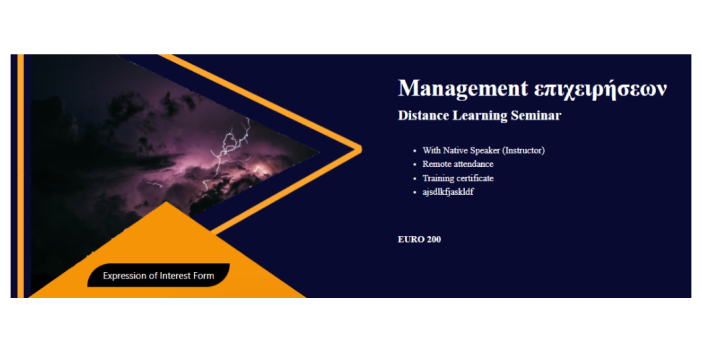
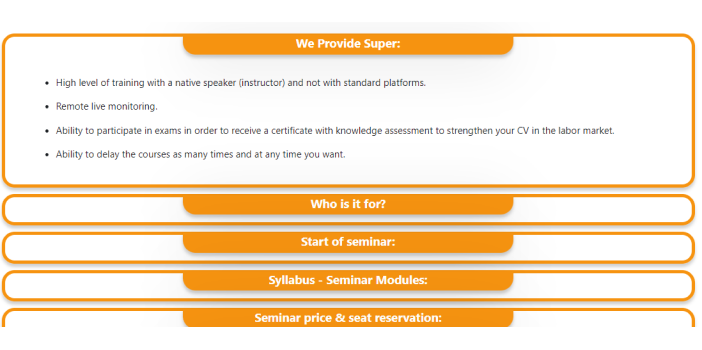
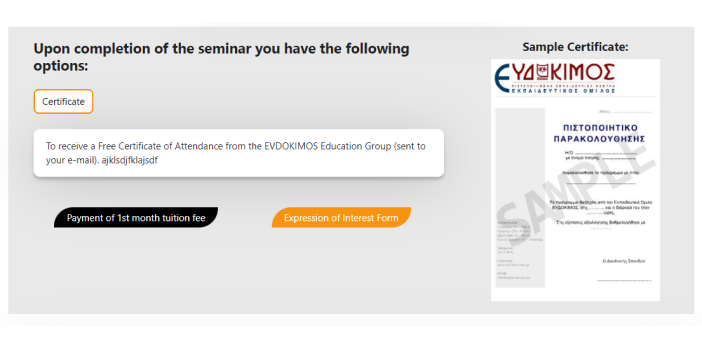
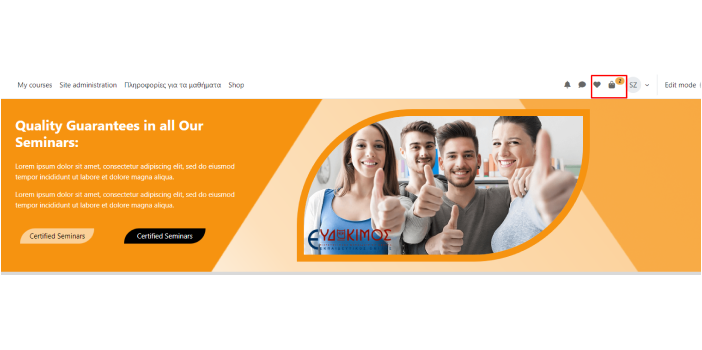
Engineered a fully custom e-commerce solution directly within Moodle, replicating the client's existing WordPress shop experience inside their LMS, enabling seamless course purchases, automatic enrollments, and recurring engagement, all through a purpose-built local Moodle plugin.
Key highlights:
- WordPress-Aligned Shop Design:
Designed and built a custom Moodle shop that mirrors the client's WordPress site in both visual identity and functionality, delivering a seamless and consistent experience across both platforms.
- Guest Purchase Capability:
Unlocked the ability for non-logged-in users to purchase courses directly from the Moodle shop, a capability not available in standard Moodle, removing friction from the buying journey and expanding accessibility.
- Automatic Course Enrollment:
Engineered an automated enrollment workflow that instantly grants learners access to purchased courses upon payment completion, eliminating manual administrative overhead entirely.
- Recurring Engagement Notifications:
Built an automated monthly notification system that prompts users to renew or re-purchase courses, driving continuous platform engagement and course retention.
- Custom Moodle Plugin Development:
Architected and developed a local Moodle plugin from the ground up, delivering:- Stripe Payment Integration: Secure, reliable payment processing with full transaction handling built into the Moodle ecosystem.
- Admin Order Management Interface: A dedicated admin panel for viewing, tracking, and managing all orders placed through the shop.
- Fully Responsive Design: Optimized layout and display across all screen sizes ensuring a consistent purchase experience on desktop, tablet, and mobile.
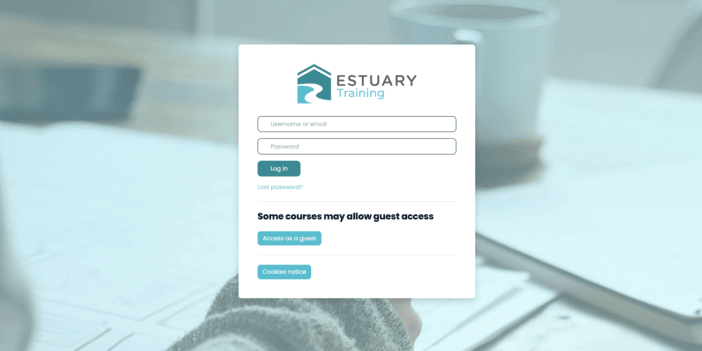
We assisted Estuary training set up their Moodle website, making sure it was easy to use and matched their brand perfectly.
Key Project Highlights
Moodle website Setup:
We set up the Moodle platform on both a local server and the live website to ensure everything worked smoothly.
Theme Development:
We developed a theme for the site, ensuring a professional and consistent design on both the local and live versions.
Branding and Customization:
We customized the platform according to the client's unique branding, making it look and feel just right for their identity.
Login Page:
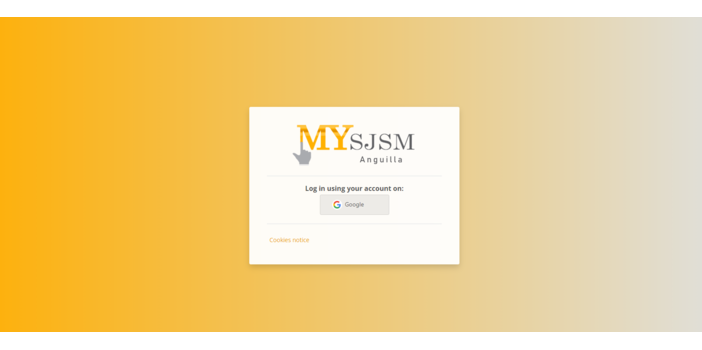
We created a custom login page, making it simple, user-friendly, and aligned with the client's brand.
Training Session:
We provided a 2-hour training session to teach the team how to manage their new Moodle site easily.
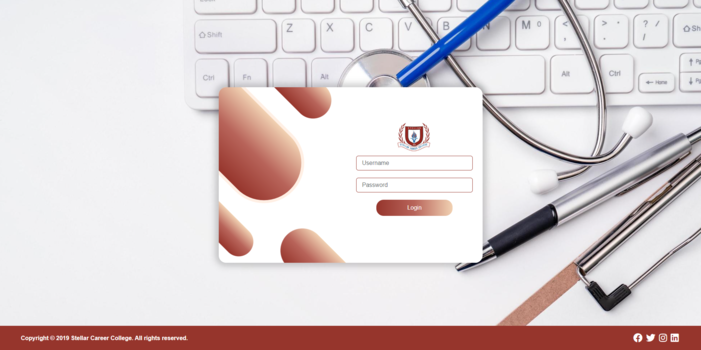
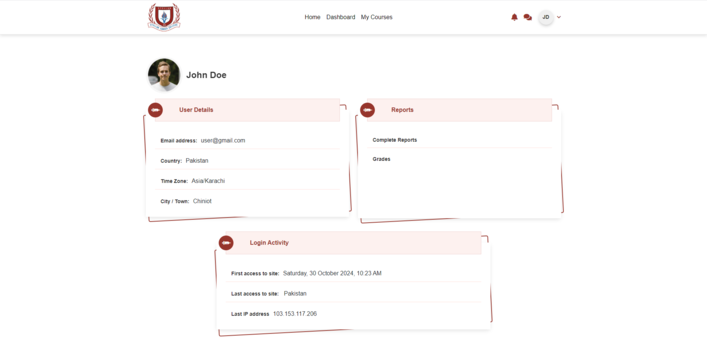
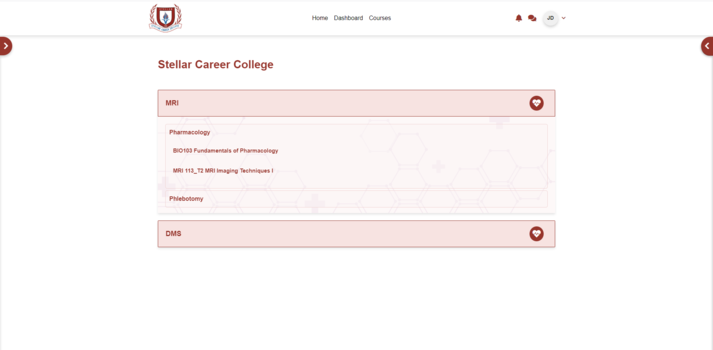
Delivered a fully managed Moodle hosting, administration, and custom development solution for Stellar, a long-standing client of PakTaleem. From initial platform setup and optimization to custom plugin engineering and continuous support, PakTaleem serves as Stellar's dedicated technical partner ensuring their LMS remains secure, high-performing, and evolving with their needs.
Key Highlights:
- Platform Setup & Configuration: Deployed and configured Moodle fully aligned to Stellar's organizational structure and learning requirements, ensuring a production-ready environment from day one.
- Performance Optimization: Conducted rigorous post-deployment performance auditing, resolving bottlenecks and fine-tuning system responsiveness to deliver a consistently smooth experience for learners and administrators alike.
- Custom Plugin Development: Engineered purpose-built Moodle plugins tailored to Stellar's operational needs:
- Externship: A custom plugin managing externship workflows within the LMS ecosystem.
- Autoattend: Automates attendance report generation for all sessions based on current date and time, eliminating manual tracking overhead.
- Autounsuspend: Automates the unsuspension of user accounts, reducing administrative effort and ensuring uninterrupted learner access.
- Course Architecture & Navigation: Structured the course ecosystem for intuitive navigation, keeping learners on track and giving instructors clear visibility and control over content delivery.
- Custom UI/UX & Feature Development: Enhanced the platform's visual identity and built tailored features aligned to Stellar's brand and workflow, making the LMS feel purpose-built rather than off-the-shelf.
- Ongoing Updates & Security Patching: Managed continuous platform maintenance including version upgrades, security patches, and feature rollouts to keep Stellar's LMS current, compliant, and secure.
- Analytics & Reporting: Provided in-depth reporting across learner engagement, platform usage, attendance, and system health, equipping Stellar with actionable visibility into their learning operations.
- Secure Backup & Data Protection: Implemented a robust automated backup strategy ensuring Stellar's content and user data are consistently protected and recoverable with minimal disruption.
- Dedicated Hosting & Technical Support: PakTaleem provides Stellar with dedicated managed hosting and round-the-clock administration support, proactively resolving issues, minimizing downtime, and maintaining platform stability as an ongoing technical partner.
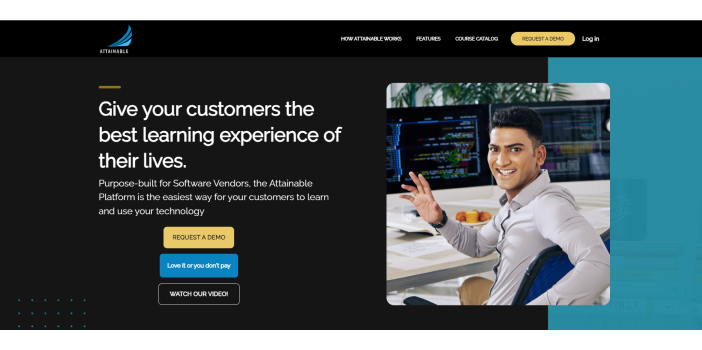
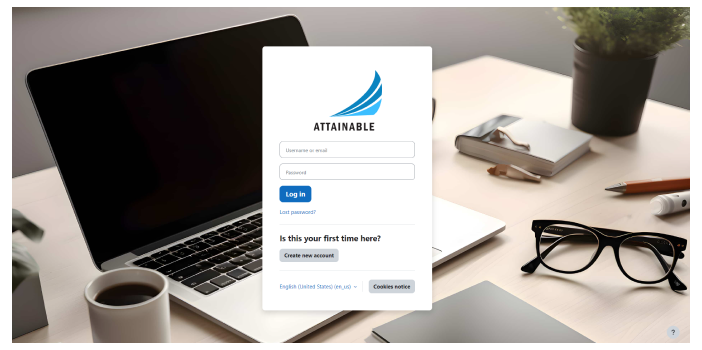
This project has been customized in various ways. Our latest project integrates a range of features designed to meet diverse training needs efficiently and effectively:
Key Features
- Student Self-Service Portal:
This customized feature enables students to independently register for and manage eLearning courses and ILT sessions, access materials, view schedules, and receive notifications for a seamless learning experience. - Course Builder:
We developed a Course Builder that streamlines the creation and management of courses within the system. This feature simplifies course development and customization, enhancing the overall user experience. - Appointment Booking:
Appointment Booking feature allows users to schedule meetings directly through our website, providing a streamlined and user
friendly booking experience. - Coupon-based Sign-in:
We added a Coupon-based Sign-in feature, enabling users to register using unique coupon codes for streamlined access to courses and organizations. - Branded Sub-Groups:
We created custom portals for clients such as United Airlines, offering tailored content and exclusive branding for each
organization. - Company and Training Manager Setup:
Administrators can configure companies, assign training managers, set user limits, and define subscription periods. Training
managers can then add users individually or in bulk. - UI/UX Customization:
We enhanced the system with tailored UI/UX designs for improved user navigation and a more intuitive experience.
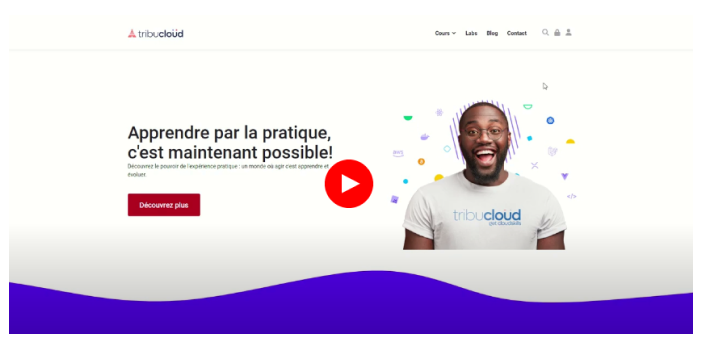
This platform has been customized in various ways,
Payment process:
- This Moodle platform has undergone through significant redesign, specifically in the payment procedure.
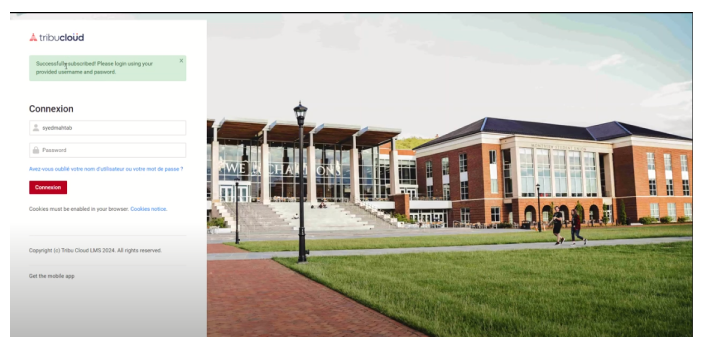
- Unlike the standard Moodle process, where students create an account before proceeding to payment, has been changed and a new feature "Subscribe Courses" is added.
Direct Course Subscription:
- Students can now directly subscribe to their desired courses after filling out a registration form and proceeding to the payment stage.
- This streamlined process enhances the user experience and expedites the enrollment process.
Instant Account Activation:
- Upon successful payment, the student's account is immediately activated.
- This activation process ensures that students can log in promptly and access their enrolled courses without any delay.
- Upon logging in, students gain immediate access to all the available courses.
Subscription Management:
- Students have the flexibility to cancel their subscription at any time.
- Upon cancellation, the student is automatically logged out, ensuring a smooth transition out of the platform.
Secure Re-Login Process:
- In the event of re-subscribing, students receive a unique code via email.
- This code serves as a secure authentication method, allowing students to log in again and resume their learning journey hassle-free.
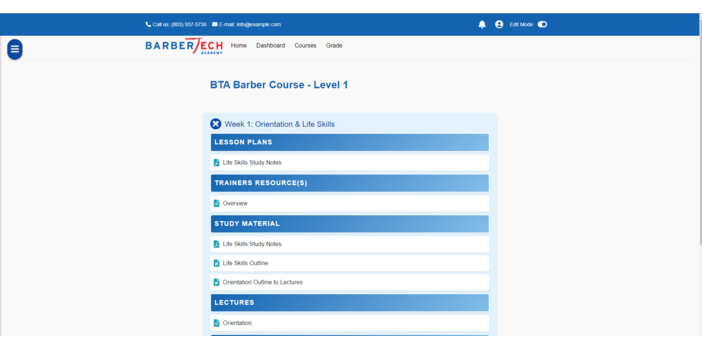
We provide a comprehensive Moodle LMS Administration Service to ensure our clients' Learning Management Systems (LMS) operate at their peak performance. With our support, you can stay focused on delivering exceptional learning experiences. Our comprehensive services include:
- Course Organization:
Streamlined course structure for easy navigation and an engaging user experience.
- User Management:
Efficient handling of user roles, permissions, and accounts for smooth operations.
Advanced Security:
Robust security protocols to safeguard sensitive data and protect against threats.
- Regular Backups:
Secure data with routine backups and quick restoration capabilities.
- In-Depth Reporting:
Detailed insights into system performance, course progress, and user engagement.
- Performance Optimization:
Continuous fine-tuning for enhanced functionality and a responsive platform.
- Dedicated Support:
Expert technical support to address issues and ensure uninterrupted operations.
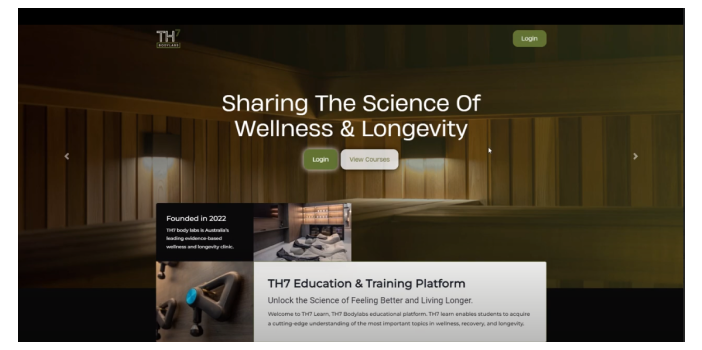
This website has undergone through various customizations;
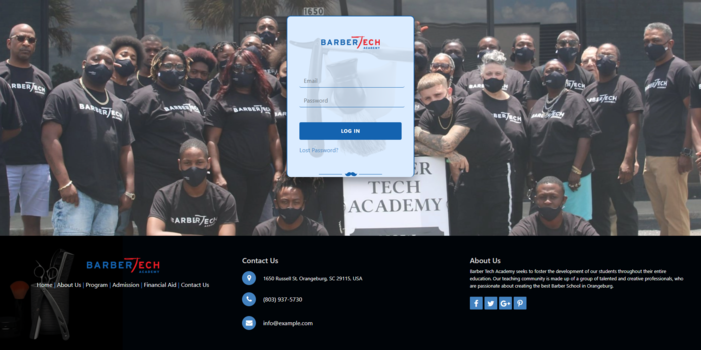
Login page has been thoughtfully customized.
Dashboard:
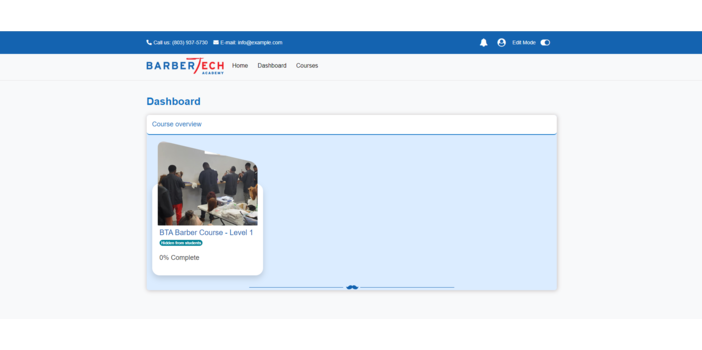
- Badges have been integrated into certifications, adding a visual element to recognize achievements.
- An additional feature, addressing course overdue status has been implemented, offering timely reminders for learners.
- The backend incorporates a new block where libraries are actively functioning, enhancing resource accessibility for users.
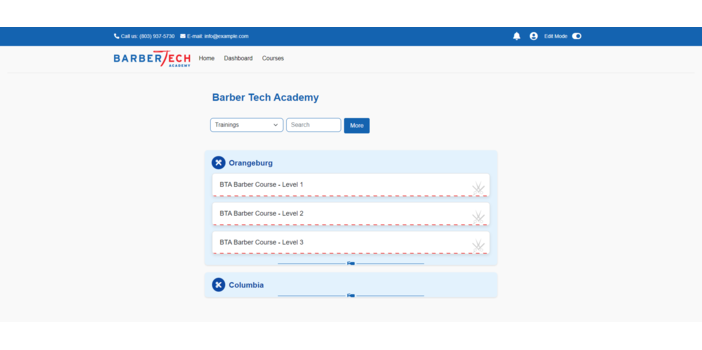
- Courses are strategically added to facilitate easy enrollment for learners.
My Courses:
- My Courses page has been customized for improved user management
- Learners can check their grades and activity details on My Courses page. Learners will no longer need to navigate to Grade section to check their progress.
LMS Development:
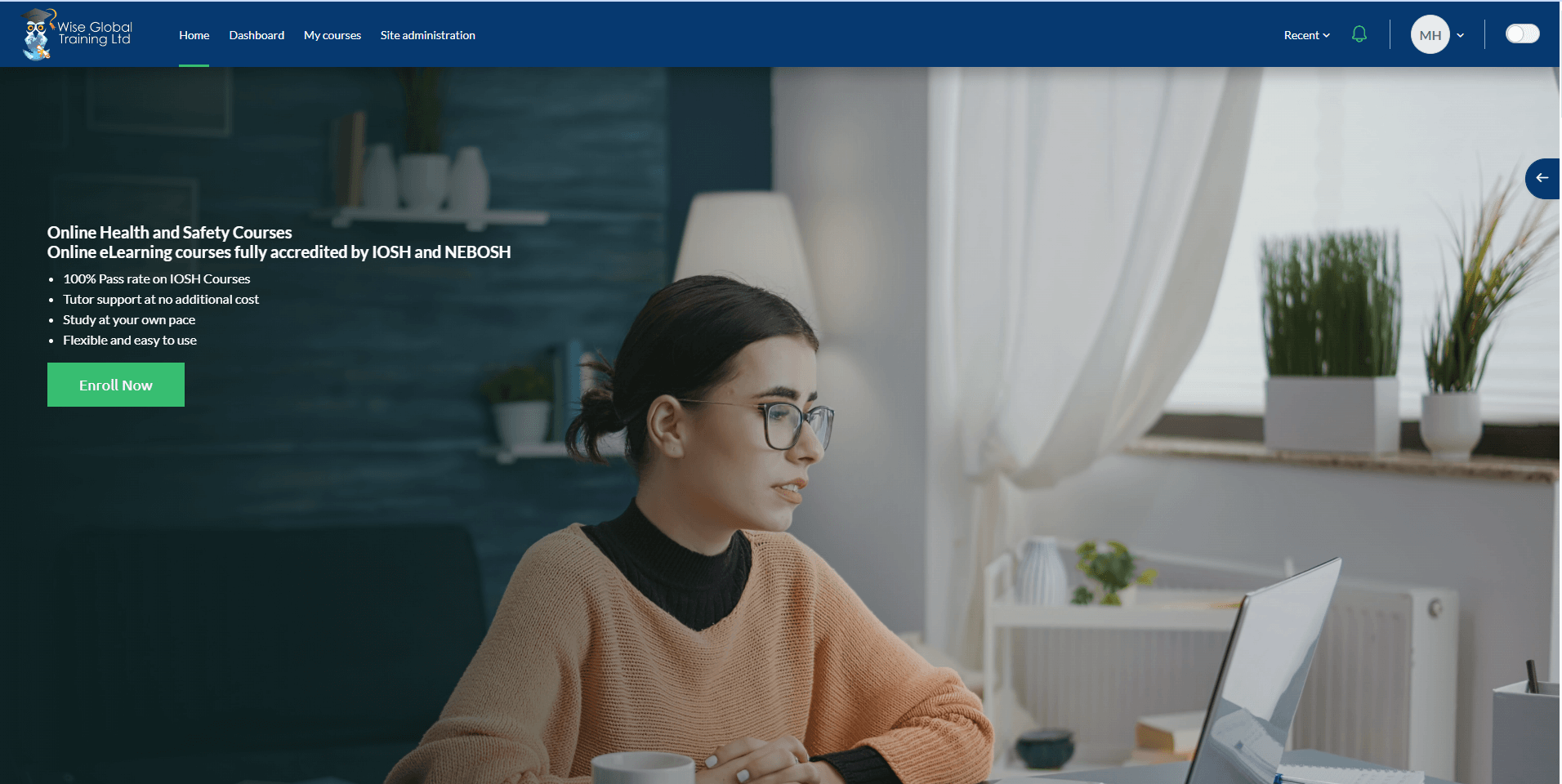
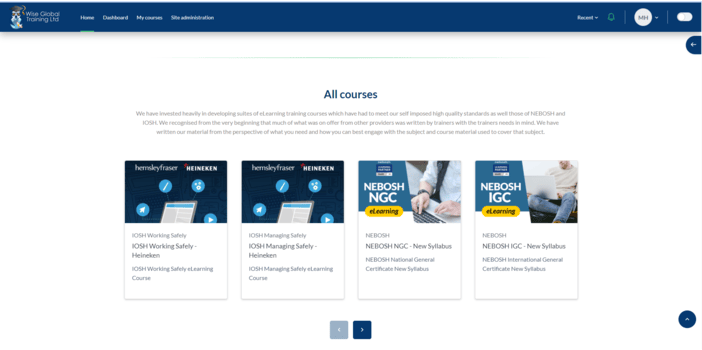
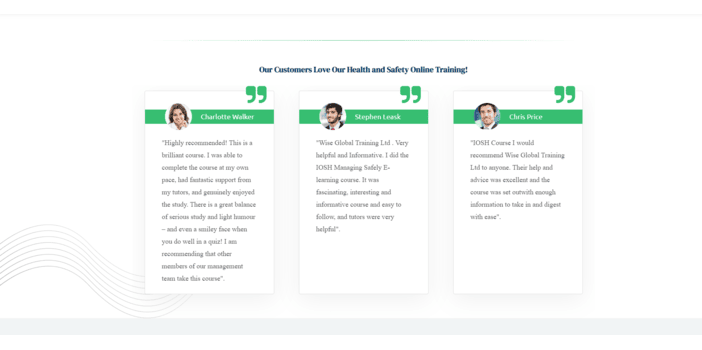
We developed a custom LMS for Wise Global, focusing on an engaging user experience with interactive features and advanced functionalities to meet their unique training needs.
Integration with Heineken:
We integrated Wise Global’s LMS with Heineken’s systems, ensuring seamless data exchange and collaborative training, providing consistent learning experiences across both organizations.
Continuous Maintenance:
For over 5 years, PakTaleem has provided ongoing LMS maintenance, including updates, troubleshooting, and optimization, ensuring the system remains secure and up to date.
Comprehensive Administration:
Our team manages user access, content updates, system settings, and reporting, allowing Wise Global to focus on their training objectives while we handle daily operations.
Fully Managed Hosting:
PakTaleem offers secure, high-performance hosting with 24/7 monitoring and scalability, ensuring reliable, uninterrupted access to the LMS.
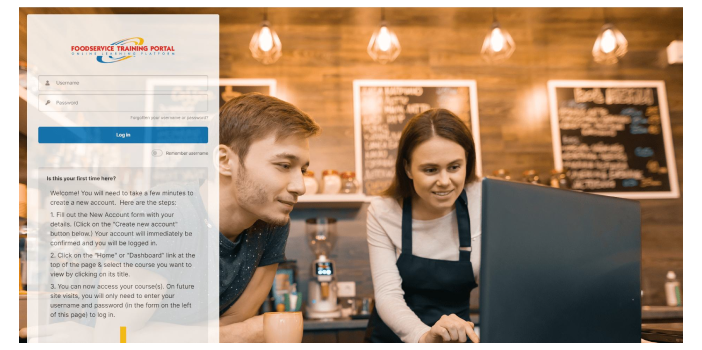
This website has been customized for the organizations of high level entrepreneurs. Following customizations have been made:
User Sets and User Management:
Users are organized into sets within each organization, with distinct departments. Administrative users have the authority to manage users and assign them to relevant courses.
Program Management:
Programs are implemented at the organizational level, encompassing all courses specific to that organization. Users can access and enroll in various courses within the designated program structure.
Sign Up Page Customization:
The Sign Up page is designed to accommodate a unique code entry during the registration process. This code facilitates seamless enrollment into a specific organization and user set.
Automated Reports:
The system generates a variety of reports, each serving a specific purpose:
-Class Report
-Course Report
-Program Report
-Organization/User Set Report
-User Report
-Administrative Report
Reports are automatically scheduled for generation and distribution via email.
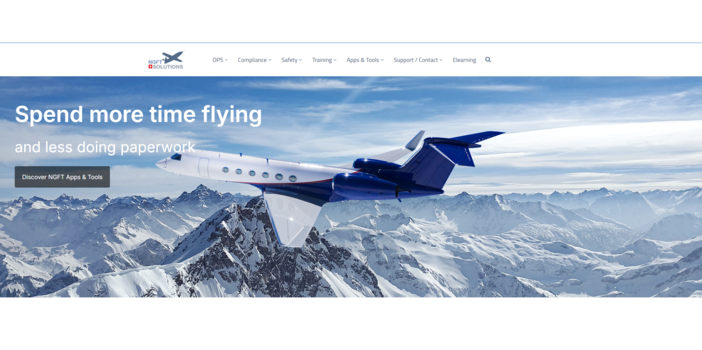
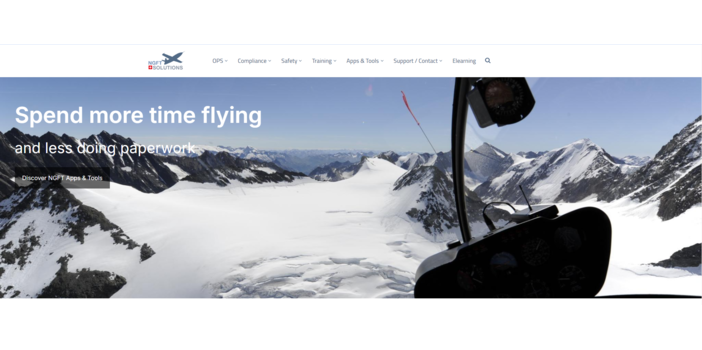
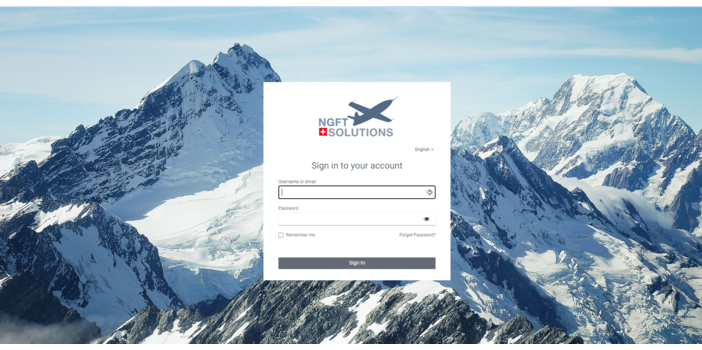
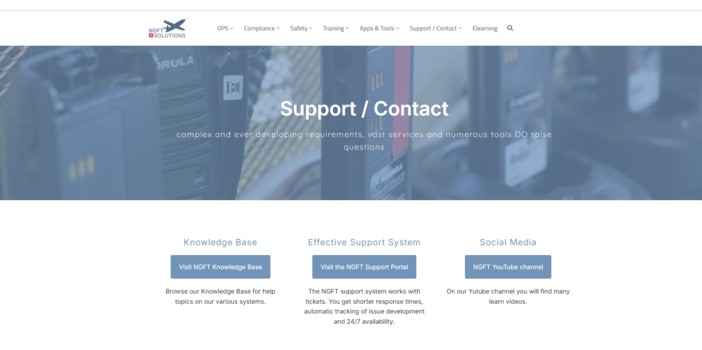
We deliver a secure, high-performance Moodle LMS hosting solution that keeps NGFT's learning platform running smoothly and efficiently. Our comprehensive services include
Customized LMS Setup:
We tailor the Moodle LMS setup to meet NGFT's specific needs, creating an engaging, user-friendly environment that supports seamless learning.
Course Design and Development:
Our team designs and develops interactive, well-structured courses that captivate learners and support effective knowledge acquisition, enhancing the overall learning experience.
Enhanced System Performance:
We optimize LMS speed and responsiveness through thorough testing, issue resolution, and performance improvements, ensuring a smooth experience for all users.
Regular Updates:
We keep your LMS current with software updates, security patches, and feature enhancements, ensuring it aligns with the latest standards.
Organized Course Structure:
Courses are strategically organized for easy navigation, enabling students and instructors to focus on learning without distraction.
Reliable Support:
Our support team is available to assist with any questions and technical issues, minimizing downtime and maintaining efficient system performance.
Comprehensive Reporting:
Detailed reports provide insights into LMS performance, user engagement, and system health, supporting informed decision-making.
Tailored UI/UX Design:
We customize the LMS interface to reflect [Client Name]'s branding and design preferences, while adding unique features to fit specific organizational needs.
Secure Data Backups:
Regular backups protect critical content and user data, allowing for fast recovery and minimal disruption in case of unexpected issues.
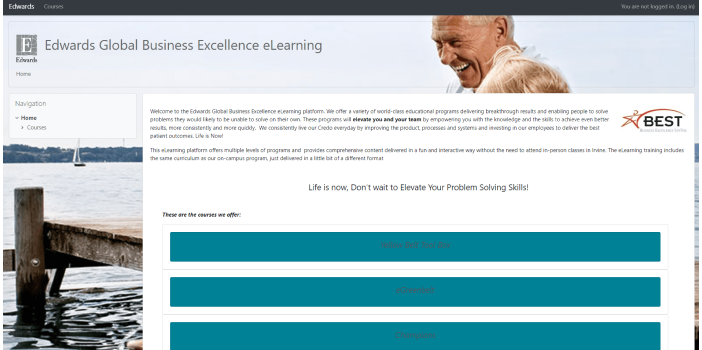
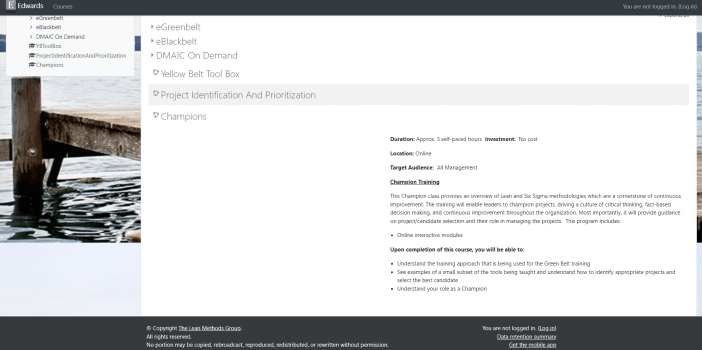
Our primary objective was to optimize the performance of the website to ensure seamless navigation, enhanced functionality and unparalleled user satisfaction.
Streamlined Navigation:
We redefined the navigation structure to provide intuitive pathways for users, enabling effortless exploration of website's content.
Improved Accessibility:
We implemented accessibility features to make website accessible to users with diverse needs and preferences.
Enhanced Security Measures:
With heightened security protocols in place, We provided a safe and secure environment for users to interact with content and services.
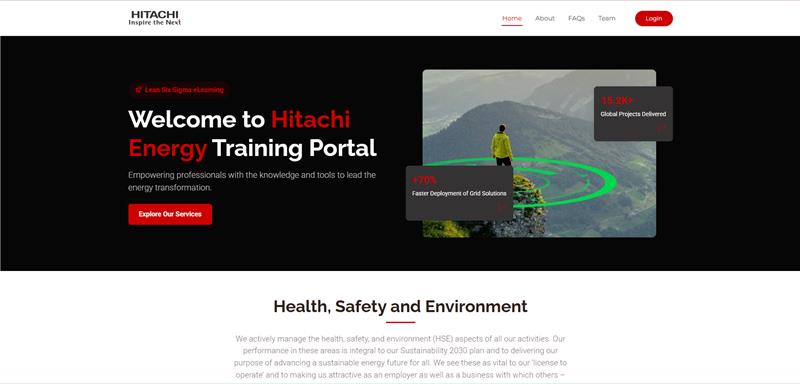
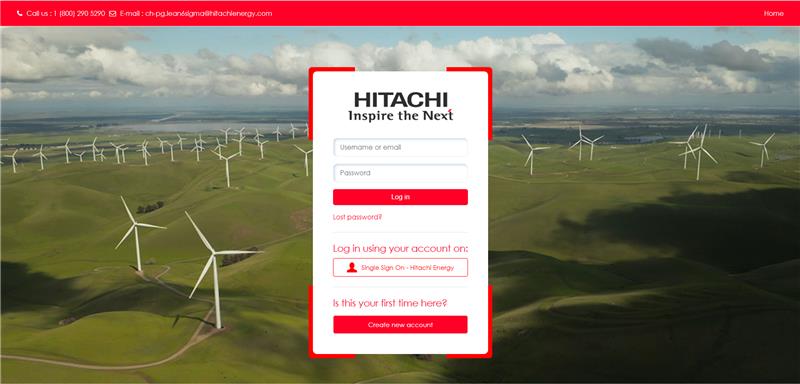
Hitachi Energy – LMS Development & Implementation
I designed and developed a complete Learning Management System (LMS) for Hitachi Energy from the ground up, focusing on performance, usability, and structured learning delivery.
User Authentication & Onboarding
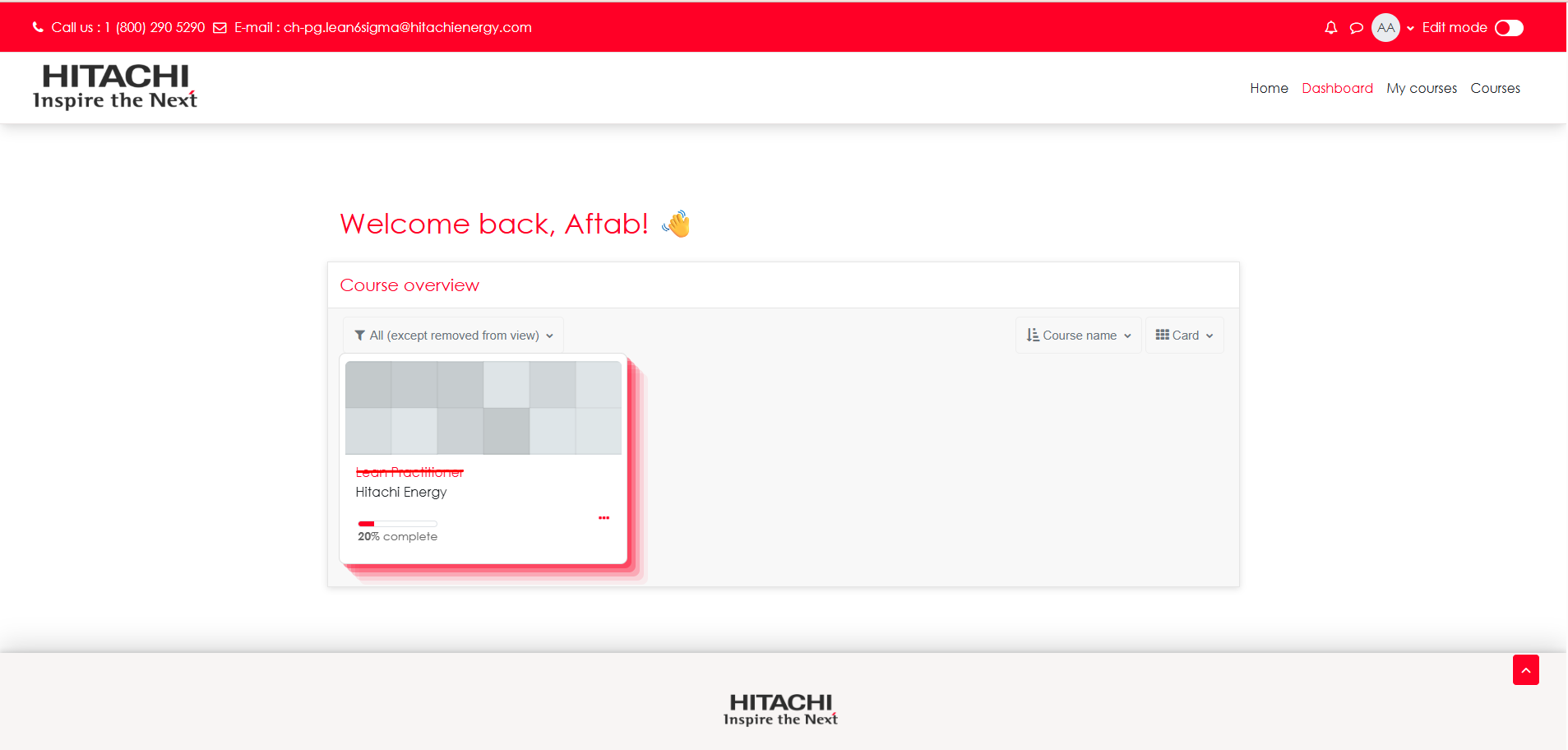
A streamlined login experience was implemented to ensure secure access. Upon first login, users are prompted to update their password, ensuring compliance with security standards before accessing the platform. Once authenticated, learners are seamlessly directed to their training dashboard.
Course Structure & Learning Flow
Courses were carefully structured and optimized to enhance learner engagement. I implemented activity completion and access restriction rules, ensuring a guided learning path. Learners can only progress to the next module after successfully completing the required prerequisites, maintaining a clear and effective training flow.
Learning Experience Enhancements
The platform was designed to deliver an intuitive and user-friendly experience, allowing learners to easily navigate courses and track their progress throughout their training journey.
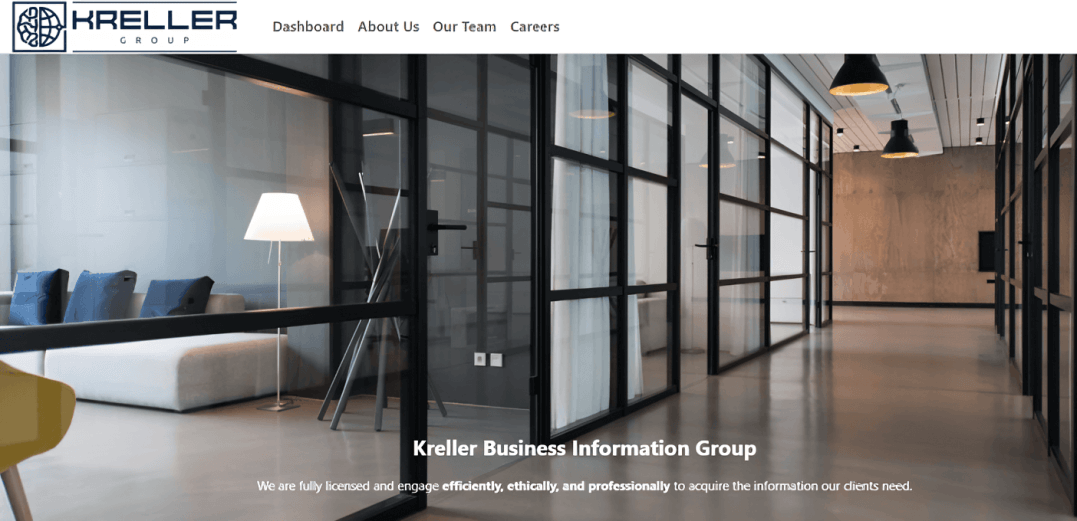
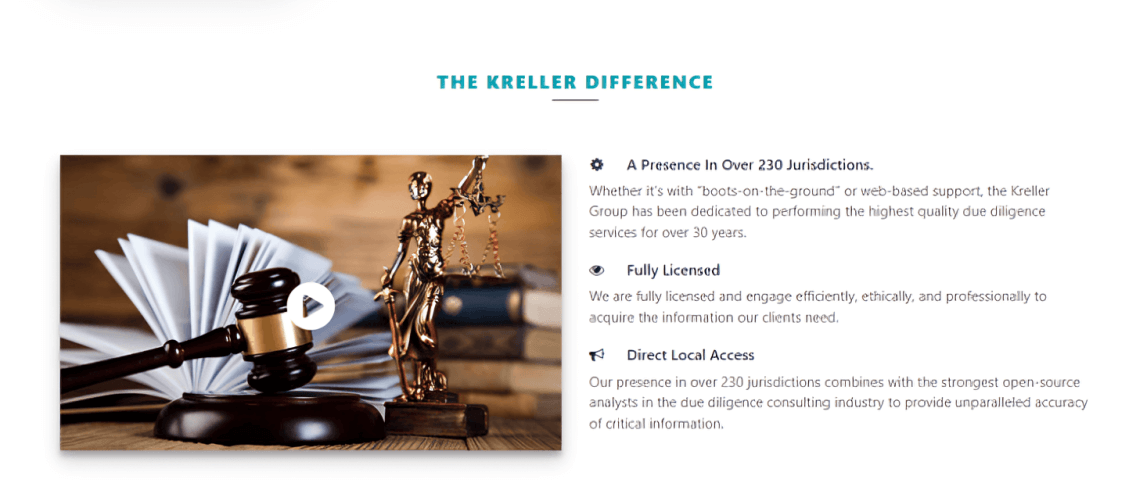

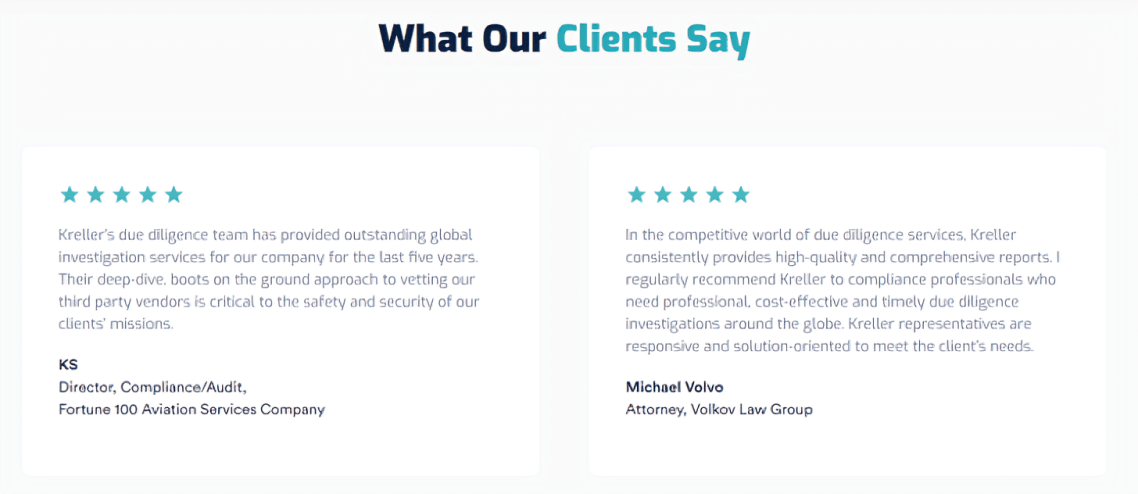
Deployed and continue to actively manage a fully hosted Moodle LMS for Kreller Group, handling everything from initial setup and performance optimization to customization, course structure, and ongoing technical support, ensuring their platform stays reliable, secure, and built around their specific needs.
Key highlights:
- Platform Setup & Configuration:
Set up and configured Moodle from the ground up to fit Kreller Group's organizational structure and requirements, delivering a clean, learner-ready environment built around their specific workflows.
- Performance Optimization:
Tested and tuned the platform post-deployment, eliminating performance issues and ensuring a fast, stable experience for both learners and administrators across the board.
- Course Structure & Navigation:
Organized Kreller Group's course catalog with a clear, logical structure that keeps learners engaged and makes content easy to find and follow for both students and instructors.
- Custom UI/UX & Plugin Development:
Tailored the platform's look and feel to Kreller Group's identity and built custom plugins to handle workflows that standard Moodle doesn't support out of the box.
- Ongoing Updates & Security Patching:
Kept the platform current with regular software upgrades, security patches, and feature updates, maintaining compliance, security, and up-to-date functionality at all times.
- Reporting & Analytics:
Set up detailed reporting across LMS performance, user engagement, and system health, giving Kreller Group the visibility they need to monitor and improve their learning operations.
- Secure Backup Management:
Put in place an automated backup system that consistently protects Kreller Group's data and content, with rapid restoration capability when needed.
- Dedicated Hosting & Support:
Managing Kreller Group's platform end-to-end as their dedicated technical partner, keeping the LMS stable, resolving issues before they escalate, and ensuring uninterrupted operations.
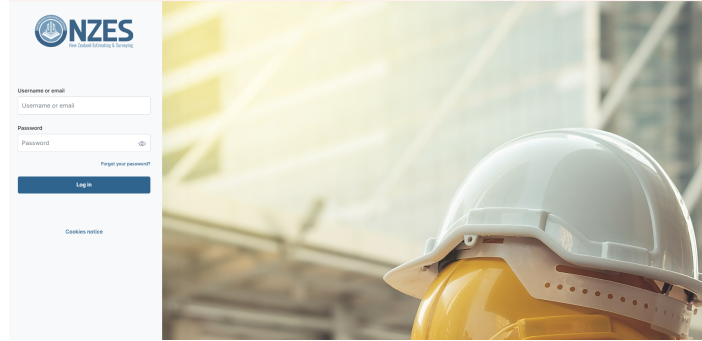
This platform is designed to streamline the learning experience for learners, through modules with a focus on practical knowledge applicable to the construction industry.
User Interface:
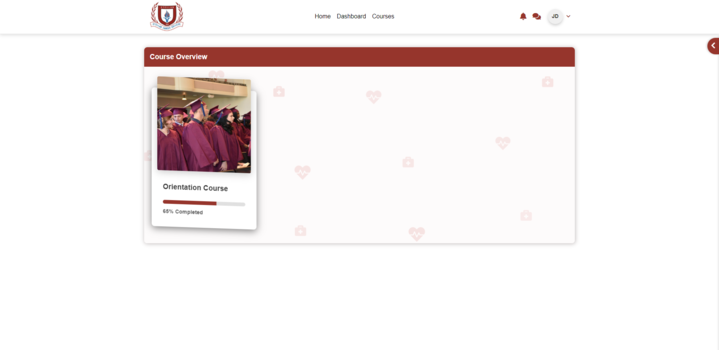
- Upon logging in, learners are directed to the "My Courses" section.
Step-by-Step Learning:
- First, the teacher (admin) will add learners for the first module of the course.
- After learners' finish one part, they will automatically enrolled to the next one. It's like taking one step at a time.
Certificate:
- When learners will finish the course, they will be awarded with a certificate.
- It's like a high-five for finishing everything!
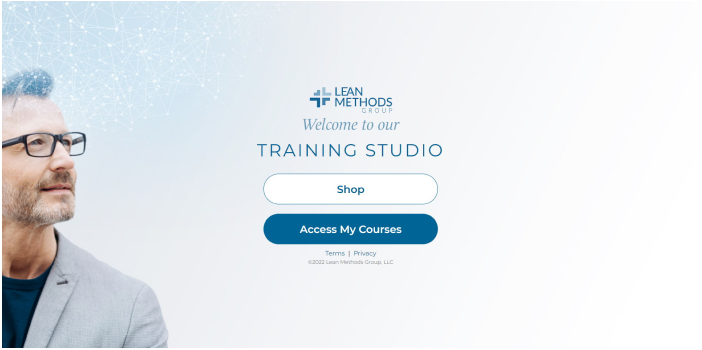
Home Page:
The home page has been customized to feature two prominent links-"Shop" and " Access to Courses," offering a clear navigation experience.
Integrated Shop:
A fully functional shop has been integrated in this platform. The shop allows users to explore various courses through an efficient filtering system, ensuring a personalized browsing experience.
Course Filtering:
Learners can use the advanced filter section within the shop to filter their course search. After filtering courses, they can easily add them to their cart. The cart allows learners to review details before proceeding to payment.
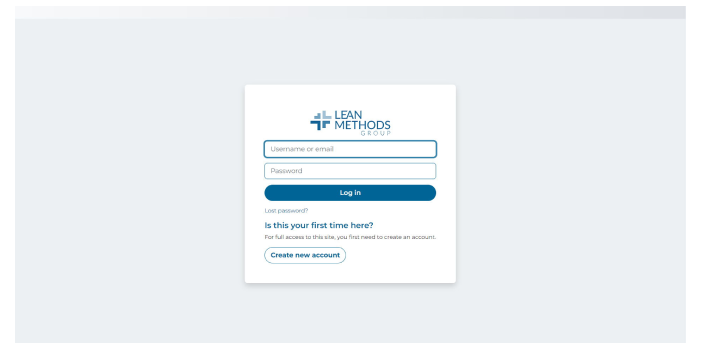
User Authentication:
To access purchased courses and personalized learning content, students are required to log in securely. This authentication step adds an additional layer of security to protect user information.
My Courses Page:
After successful login, students are directed to the "My Courses" page. This page serves as a center for accessing enrolled courses, monitoring progress, and engaging in the learning materials provided.